Create Eye-Catching LED Banners
LED Scroller: Ledify turns any screen into a dynamic marquee with customizable fonts, colors, dot shapes, and vivid glow effects. Design scrolling messages that stand out at events, parties, and professional displays in seconds.
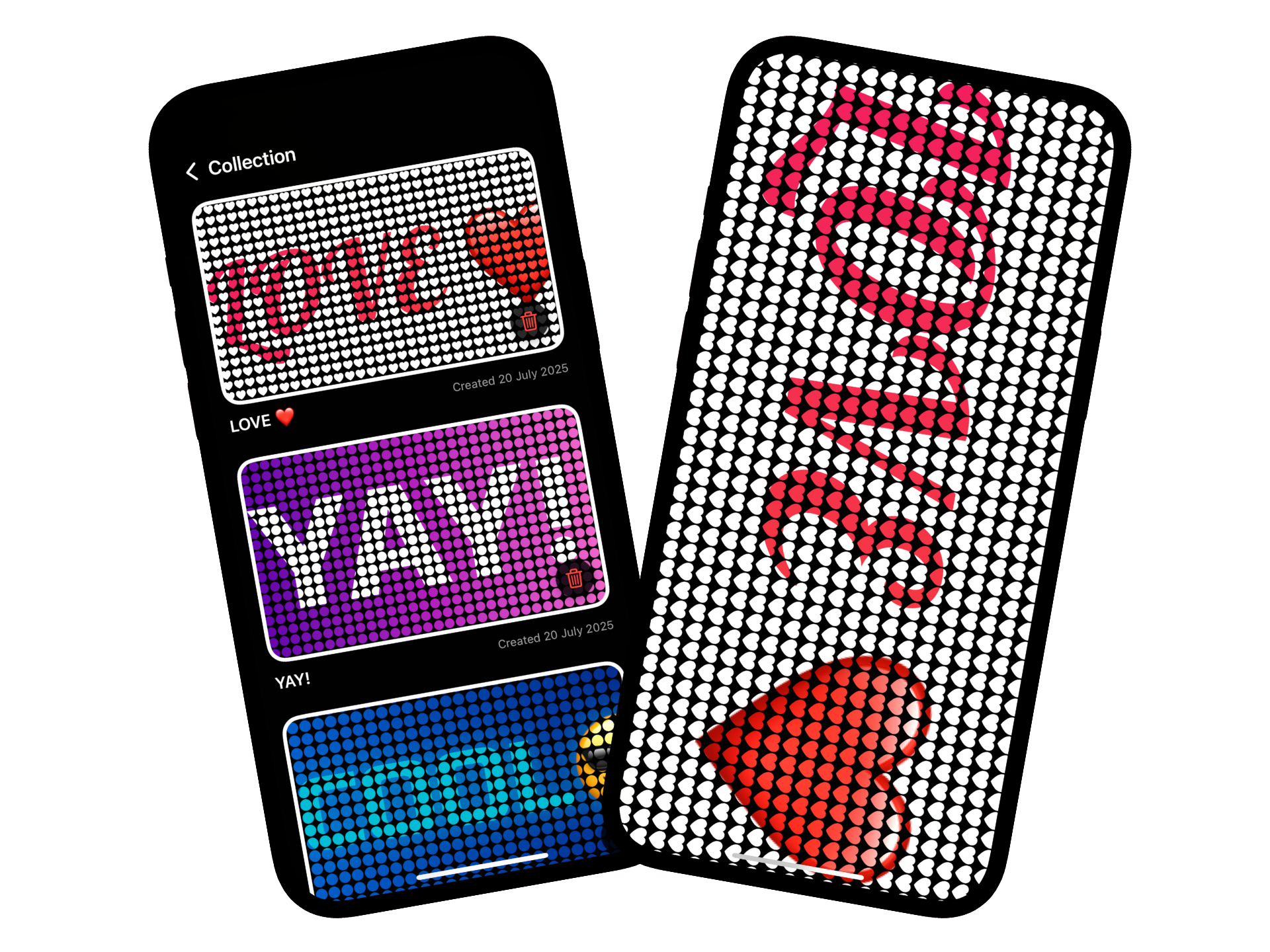
Everything you need to design vivid LED marquees
Customize every pixel of your scrolling banner with flexible text controls, motion settings, dot styles, and glowing visual effects that make any message pop.
Custom Text Controls
Dial in fonts, size, and colors
Mix and match fonts, adjust character spacing, and fine-tune text color palettes to match your brand, celebration, or signage needs in seconds.
Bidirectional Scrolling
Scroll left, right, and set the pace
Control marquee direction, set cinematic pauses, and fine-tune scroll speed to match the vibe of an event or keep information readable from across the room.
LED Dot Styles
Choose circle, square, star, or heart
Quickly switch between classic dot matrices, geometric pixels, or playful hearts to match the theme of your announcement or activation.
Vivid Glow Effects
Blink, pulse, and glow on cue
Layer blinking or glowing effects with adjustable intervals, LED sizes, and background colors to craft banners that feel alive day or night.
Craft scrolling LED banners in four steps
Ledify keeps every stage intuitive—from typing your message to dialing in dot shapes, animation, and glow effects.
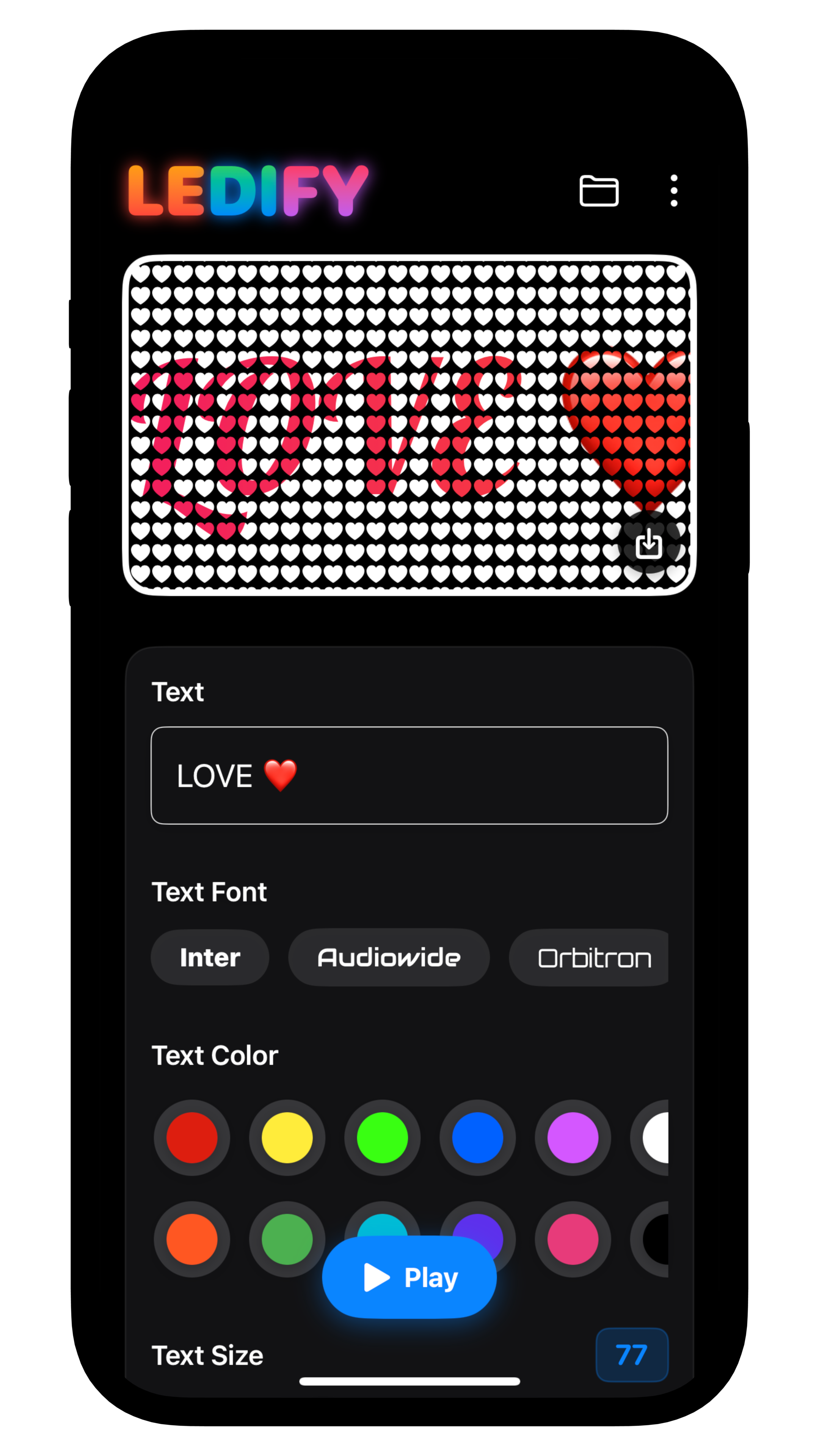
1. Enter Your Message
Type announcements, shout-outs, or promo copy and tweak the font, size, and spacing so every character looks sharp on your virtual LED board.
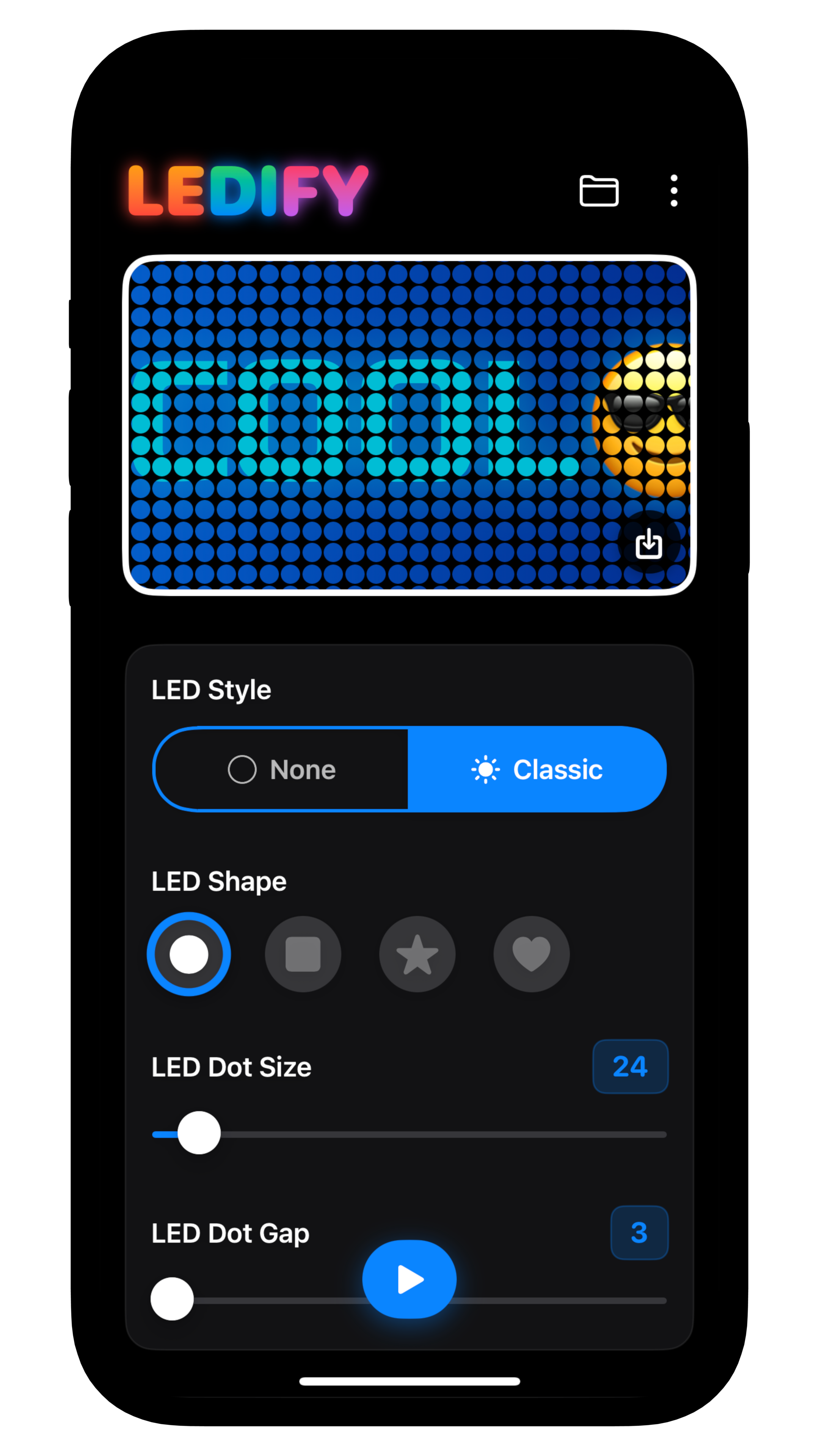
2. Style the LEDs
Choose dot shapes like circles, squares, hearts, or stars, then harmonize colors, spacing, and background tones for maximum visibility.
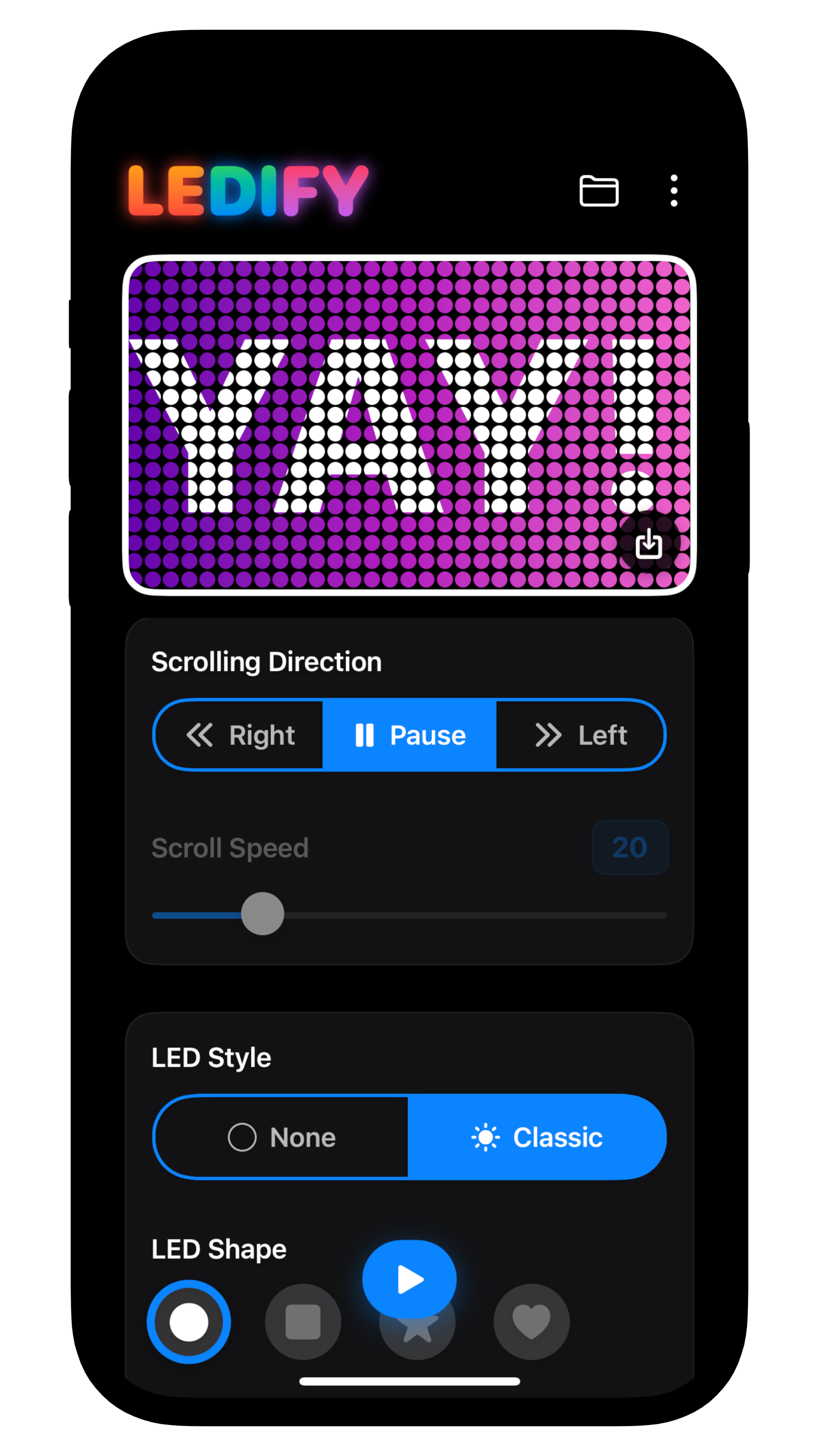
3. Set the Motion
Decide whether your message scrolls left or right, adjust speed, and add blinking or glowing accents that pulse on your schedule.
4. Display & Share
Present your marquee on phones, tablets, or mirrored screens for instant impact at parties, storefronts, conventions, or on-the-go announcements.
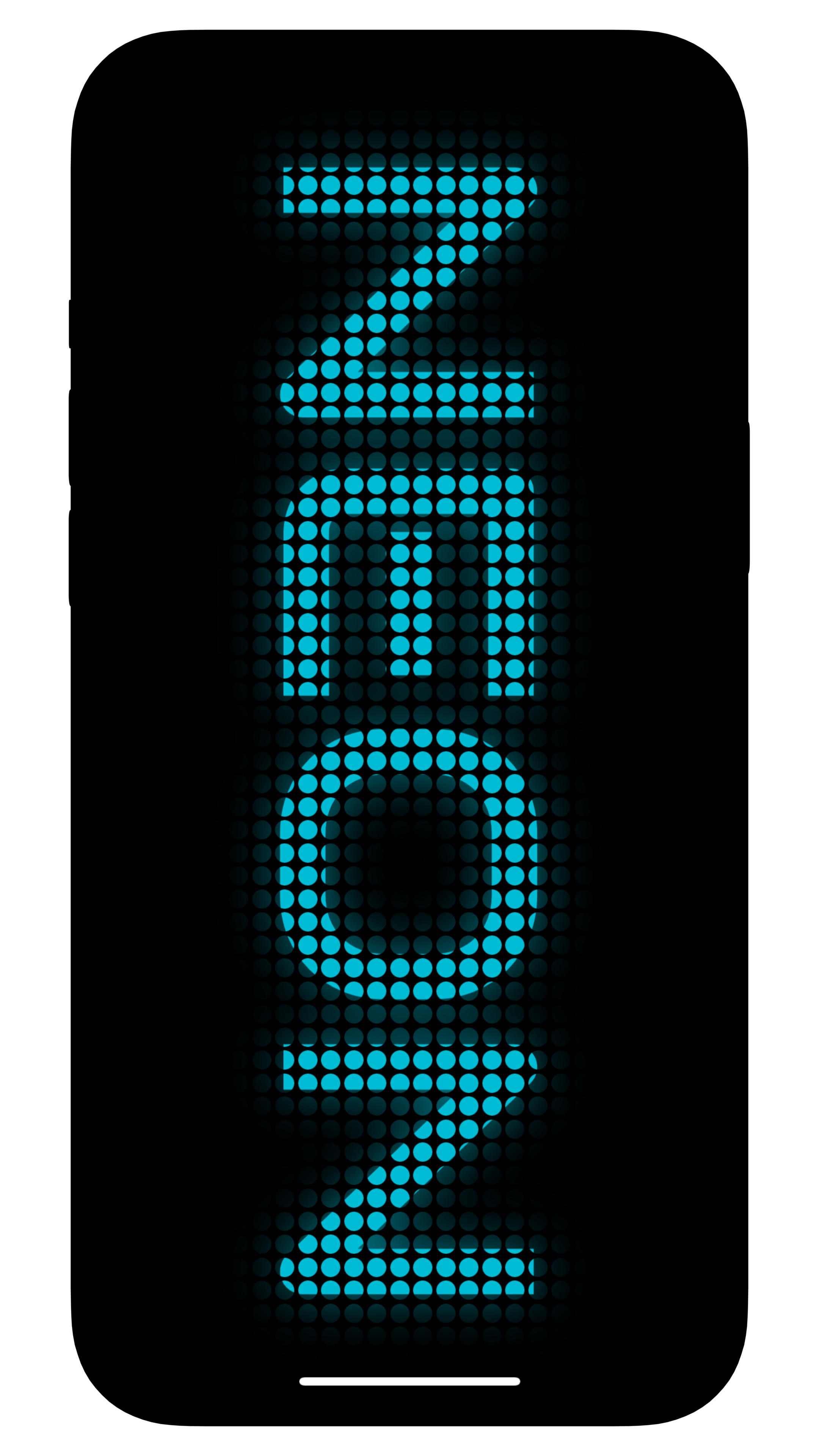
Realistic LED Glow
Layer blinking, pulsing, and ambient shine effects
Complete Color Control
Match fonts, dots, and backgrounds to your palette
Event Ready
Great for celebrations, storefronts, and live activations
Trusted by event hosts and creators
See how teams use LED Scroller: Ledify to deliver bold scrolling messages that shine on any screen.

Emma Rodriguez
Event Host
"I run weekly pop-up events and Ledify is my go-to signage. The glowing hearts and custom colors make every welcome message feel curated without lugging around extra hardware."

Jake Thompson
Retail Visual Lead
"We mirror the app to a storefront TV and update promos in minutes. Switching dot styles and scroll speeds keeps displays fresh and legible for shoppers rushing by."

Maya Patel
Content Creator
"Ledify gives my videos instant retro vibes. I can animate shout-outs, pin lyrics, and match colors to each brand partnership without touching a laptop."
Frequently asked questions
Learn how LED Scroller: Ledify helps you build vibrant scrolling banners with pro-grade customization.
Launch LED banners that shine anywhere
Ledify delivers professional marquee controls on your phone. Customize fonts, dot spacing, glow effects, and scrolling motion to grab attention at parties, activations, and storefronts.

Free download with premium LED styling upgrades